From your Amazon Fire Stick home screen, click on «LOOK FOR» and write the name of the application: «DownloaderThen, download and install it on your Amazon Fire TV Stick.

Install Stella TV on Fire Stick
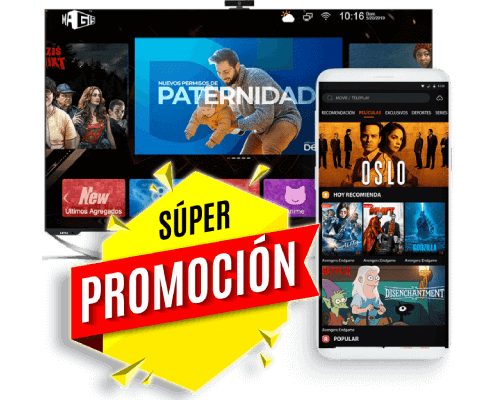
Here you can quickly and safely download and install Stella TV on your Amazon Fire TV Stick. The app is fully compatible with all Fire TV Stick models, including Fire TV Stick Lite, Fire TV Stick standard, Fire TV Stick 4K Ultra HD, Fire TV Stick 4K Pro, and Fire TV Cube. With Stella TV on your Fire TV Stick, you can enjoy over 1,300 live TV channels, hundreds of movies and TV shows, all with optimized picture quality for your screen and a smooth browsing experience. Installation is simple and requires no advanced knowledge: just download the APK file, follow the instructions, and start enjoying your favorite content instantly. Keep your app updated to access new features and exclusive content.
New Downloader code to download the StellaTV APK: 5360989